


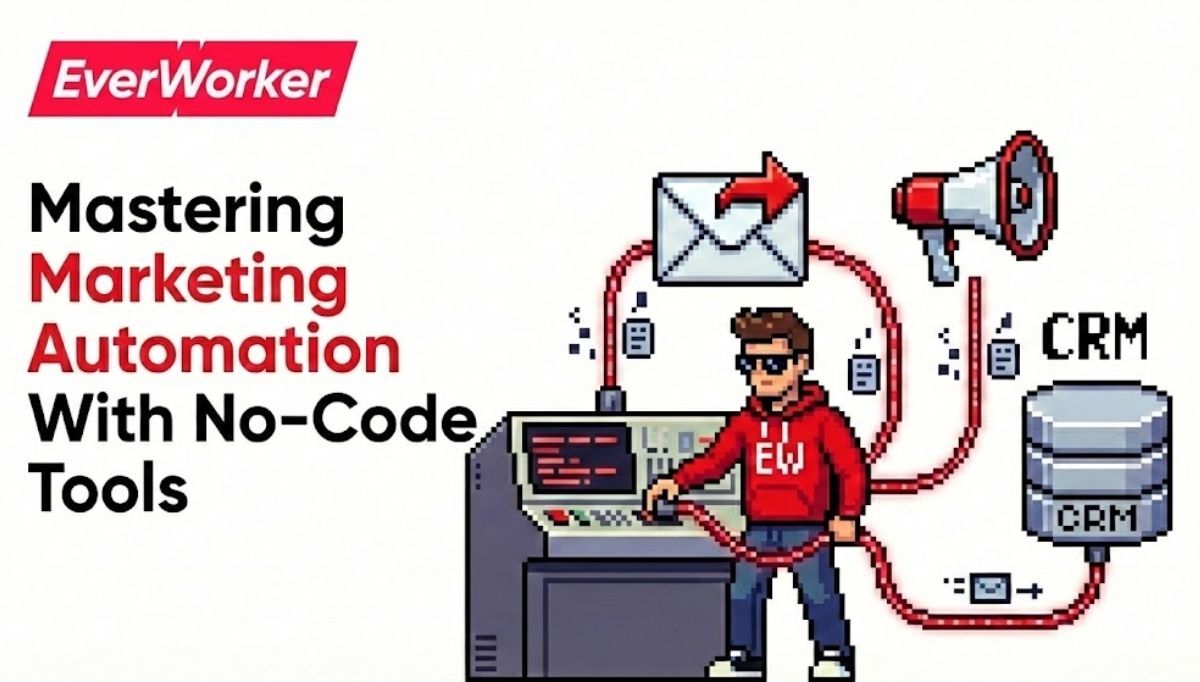
The best no code workflow automation tools for marketing campaigns combine broad integrations, reliable triggers, and campaign-centric features. Leading picks include Zapier, Make, Workato, HubSpot Workflows, Airtable Automations, n8n (hosted), and Unito. Your winner depends on stack fit, data volume, governance, and multi-channel orchestration requirements.
Marketing teams don't need more apps—they need outcomes: faster launches, fewer handoffs, and clear attribution. No-code workflow automation tools make this possible by connecting forms, ad platforms, CRMs, email, and analytics without engineering queues. Yet not all tools handle campaign complexity equally. According to Salesforce’s 2024 State of Marketing insights, marketers cite AI and automation as both the top priority and biggest challenge. This guide cuts through the noise and shows you which platforms excel at real campaign work, how to choose for your stack, and when it’s time to move beyond tools to AI workers.
We'll compare the top no-code automation options for marketing campaigns, map tools to high-ROI use cases, and give you a decision framework that prevents expensive re-platforming later. You’ll also see how leaders are shifting from task automation to process automation—using AI workers to run end-to-end campaigns across systems while your team focuses on strategy and creative.
The problem with "best tools" lists
Traditional best-of lists ignore your stack, data volume, and governance. The right no-code tool depends on integrations you need, the complexity of your customer journeys, and who must maintain automations day-to-day.
Line-of-business leaders tell us the real pain isn’t connecting Tool A to Tool B—it’s orchestrating entire campaigns without stalling on dependencies. Missed webhooks, API limits, and scattered ownership add friction just when you need to move fast. Meanwhile, expectations rise: teams must personalize across channels, prove ROI, and do it on lean budgets. In McKinsey’s 2024 research, 65% of organizations report using generative AI, but scaling consistent value remains the hurdle. Your automation choice either compounds value across channels—or creates another bottleneck you’ll have to unwind later.
Key stakes for campaign leaders
You have quarterly targets, not infinite time. The wrong tool creates shadow IT, brittle zaps, and undocumented logic. The right one shortens build cycles, centralizes governance, and lets non-technical owners safely ship changes in hours.
What "best" should actually mean
For campaigns, best means: native CRM/ad/email integrations, reliable triggers at scale, visual debugging, versioning, role-based access, PII-safe logs, and affordable scaling. Add-ons like AI enrichment and LLM steps help—but only if governance is built in.
Top no-code tools for marketing campaigns, by use case
Different tools shine in different scenarios. Rather than crown a single winner, match tools to the jobs they’re best at and your team’s skill set. Here’s how they stack up for common campaign workflows.
Lead capture to CRM + nurture (forms, ads, chat)
Zapier and Make excel at quick, event-driven workflows: form → enrichment → CRM → email journey. Zapier’s breadth and ease are ideal for non-technical owners; Make offers granular control and lower per-operation costs at scale. HubSpot Workflows is best if you’re already all-in on HubSpot.
Multi-channel campaign orchestration
For journeys spanning ads, email, product events, and sales alerts, Workato and Tray.io (both low/no-code) offer enterprise-grade governance and observability. If you need open-source flexibility with visual builders, consider a hosted n8n deployment.
Marketing data layer and enrichment
Airtable Automations provides a friendly source-of-truth with triggers, while Unito powers two-way syncs between PM tools and CRMs. Add Clearbit/ZoomInfo steps via your orchestrator to enrich and route leads dynamically based on ICP fit.
Evaluation framework: choose once, scale forever
Choosing the right platform up front avoids costly rewrites. Evaluate against six criteria aligned to marketing campaign realities.
1) Integration depth where you live
List your top 10 systems (ads, analytics, web, CRM, MAP, data warehouse). Test native actions and triggers—not just generic webhooks. Prefer tools with first-party, well-maintained connectors for your core platforms.
2) Reliability under real campaign load
Ask for rate limit handling, retry logic, and dead-letter queues. Review run-history visibility and step-level replays. Campaigns burst; your automations must absorb spikes without losing leads or double-sending emails.
3) Governance, security, and audits
Role-based access, environment promotion (dev → prod), versioning, PII redaction, and SOC2/ISO attestations are non-negotiable. If legal asks for a full audit of who changed what and when, you should have the answer in minutes.
4) Total cost of ownership (TCO)
Compare price per task/run, hosted vs. self-managed costs, and the hidden cost of maintenance. Savings evaporate if automations require an expert gatekeeper. Favor solutions your campaign owners can run day-to-day.
5) AI and data readiness
Modern campaigns use AI for copy variants, predictive scoring, and journey decisions. Prioritize platforms that support LLM steps, embeddings, or easy handoffs to AI services—while keeping human review and guardrails intact.
6) Observability and rollback
Look for visual debuggers, point-in-time snapshots, and instant rollback. When a UTM mapping breaks or a field changes, you need to fix and redeploy fast, without pausing the entire campaign calendar.
Recommended tools short list (and why)
Here’s a pragmatic short list that covers 95% of marketing campaign workflows—mapped to strengths and tradeoffs so you can choose with confidence.
Zapier: fastest time-to-first-automation
Great for non-technical teams and quick wins. Massive app directory and intuitive UI make it a go-to for lead capture, alerts, and simple enrichments. Watch cost per task at scale and be mindful of complex branching, which can get unwieldy.
Make (formerly Integromat): control at lower cost
Ideal for visually complex flows and budget-conscious teams. Powerful routers and iterators handle sophisticated cases. Requires more builder discipline, but rewards power users with flexibility and price efficiency.
Workato and Tray.io: enterprise governance and scale
When you need SSO, RBAC, environments, and deep system actions, these platforms deliver. They’re suited for multi-team marketing operations, RevOps, and IT collaboration where compliance and uptime matter as much as speed.
HubSpot Workflows: native journey automation
If HubSpot is your system of record, its Workflows and Journeys offer strong lead routing, lifecycle changes, and email triggers without extra middleware. Pair with an orchestrator for cross-stack, cross-channel logic.
Airtable Automations + Unito: living campaign OS
Use Airtable as the campaign control table—briefs, audiences, offers, UTMs—and trigger steps as statuses change. Unito’s two-way sync keeps PM tools and CRMs aligned so creative and ops don’t drift.
What these tools do well—and where they strain
No-code tools excel at event-driven tasks. They strain when asked to own long-running, multi-step processes with changing rules, high data volumes, and cross-team dependencies. Recognize the limits so you can plan for them.
Strengths for marketing campaigns
Perfect for: form-to-CRM routing, lead enrichment, webinar and event syncs, ad-to-CRM conversion tracking, win/loss notifications, and attribution plumbing. You’ll see fast ROI and happier teams as manual steps disappear.
Limits to watch (before they bite)
Common pain points: webhook misses, rate limits, hard-to-debug branches, and silent failures. Also, "automation sprawl"—dozens of personal zaps owned by individuals. Build a center-of-excellence mindset early to avoid fire drills.
Governance and risk
Marketing handles PII. Ensure your platform supports audit logs, secrets management, and environment promotion. If creators can push straight to production without review, you’ll eventually ship a mistake at scale.
From tools to outcomes: the operating model
The best teams pair no-code tools with a simple operating model: a shared backlog, owner for each automation, and monthly audits. They document triggers, inputs, and outputs in the same place campaigns are planned—often Airtable, Notion, or your PM tool.
Who builds and who approves?
Give campaign owners power to build; require review for data/PII flows. A lightweight RACI prevents bottlenecks while protecting data quality and compliance.
Measure what matters
Tie automations to business outcomes: speed-to-launch, SQLs created, CAC reduction, and revenue influenced. Salesforce’s State of Marketing shows teams with unified data outperform on personalization and ROI—your automations should feed that unification.
When to escalate beyond no-code
Signals it’s time: week-long builds for simple asks, frequent timeouts, constant handoffs to IT, and multiple disjointed orchestrators. That’s when leaders shift from task automation to true process automation.
Why the old approach won’t scale in 2026
Marketing changed faster than our tools. Customer journeys span web, product, ads, sales touchpoints, and support. Stitching this with dozens of zaps creates fragility. McKinsey notes rapid AI adoption, but warns the bottleneck is scaling value across processes—not pilots. Gartner’s 2024 strategic trends echo this: the advantage goes to organizations that evolve operating models, not just stacks.
That shift requires thinking beyond "tools that click buttons." It’s about workers—systems that own outcomes, learn your business, and orchestrate end-to-end processes. This is where AI workers change the game for marketing campaigns.
From point automations to AI workers
Traditional tools automate tasks. AI workers automate entire processes with context. Instead of wiring steps one-by-one, you describe the campaign outcome: segments, offers, creative variants, channels, cadence, budget, and KPIs. The AI worker coordinates tools, adapts rules, and learns from results.
This is the philosophy behind EverWorker’s AI workforce. Rather than adding yet another point solution, you employ AI workers that sit on top of your stack, understand your data and policies, and execute campaign workflows end-to-end. See our overview: AI Workers: The Next Leap in Enterprise Productivity.
Actionable next steps for campaign leaders
Here’s a pragmatic sequence to get value fast—whether you’re standardizing on a no-code tool or preparing for AI workers.
- Immediate (this week): Audit the top 15 campaign automations you rely on—owner, purpose, systems touched, and failure modes. Kill duplicates and document triggers/outputs in a single source of truth.
- 2–4 weeks: Consolidate on one orchestrator for marketing-owned workflows. Rebuild two brittle flows using the evaluation criteria above and add monitoring/alerts.
- 30–60 days: Expand to multi-channel journeys: ad click → form → enrichment → scoring → email/SMS → SDR alert → attribution. Prove reliability under peak load.
- 60–90 days: Introduce AI steps for copy testing, predictive scoring, or dynamic routing—behind guardrails. Measure impact on speed, SQLs, and revenue influenced.
- Transformational: Pilot an AI campaign worker to plan, launch, and optimize a full lifecycle program across your stack, freeing your team to focus on strategy and creative direction.
For additional strategy guidance, explore our perspective on building a modern GTM engine with AI: AI Strategy for Sales and Marketing, and how leaders deploy AI across functions: AI Solutions for Every Business Function.
How EverWorker delivers end-to-end campaign execution
EverWorker replaces brittle, one-off automations with AI workers that execute complete campaign workflows. Using our Creator experience, business users describe the work—your audiences, offers, channels, approvals, budgets, and success metrics—and an AI worker is built to operate across your tools with governance.
Under the hood, EverWorker’s Universal Connector ingests OpenAPI specs to expose safe, governed actions in your systems, while the Knowledge Engine gives workers your brand voice, ICP rules, and compliance policies. You get process-level automation with audit trails, role-based permissions, and continuous learning from outcomes so each campaign improves the next. Learn more in our overview of the AI workforce approach: AI Workers.
If your team is juggling dozens of zaps and still missing deadlines, an AI worker can coordinate segmentation, creative variants, channel rollout, QA, publishing, and performance analysis—across HubSpot, Salesforce, Google Ads, LinkedIn, and your warehouse—without rewriting your stack. The result: faster launches, fewer errors, and measurable lift where it matters.
The question isn’t whether AI can help your campaigns—it’s which processes deliver ROI fastest and how to deploy without 6–12 month delays. That’s where strategy matters.
The question isn't whether AI can transform your marketing operations, but which use cases deliver ROI fastest and how to deploy them without the typical implementation delays. That's where strategic guidance makes the difference between pilots that stall and AI workers that ship value in weeks.
In a 45-minute AI strategy call with our Head of AI, we'll analyze your specific business processes and uncover your top 5 highest ROI AI use cases. We'll identify which blueprint AI workers you can rapidly customize and deploy to see results in days, not months—eliminating the typical 6-12 month implementation cycles that kill momentum.
You'll leave the call with a prioritized roadmap of where AI delivers immediate impact for your organization, which processes to automate first, and exactly how EverWorker's AI workforce approach accelerates time-to-value. No generic demos—just strategic insights tailored to your operations.
Schedule Your AI Strategy Call
Uncover your highest-value AI opportunities in 45 minutes.
Build what’s next
Three takeaways: first, there’s no single "best" tool—choose the orchestrator that fits your stack, volume, and governance. Second, standardize your operating model so automations stay reliable as campaigns scale. Third, when tasks multiply faster than your team, graduate from point automations to AI workers that own outcomes across your stack. Your next competitive edge isn’t another app; it’s an AI workforce that executes your marketing plan with relentless consistency.




 Anton Antich
 Austin Braham
 Christopher Good